Five weeks, with other people, for free.
A cohort is five weeks of building one real app of your own with an AI agent, beside a small group of people doing the same work. It is for adults who have never built an app and have a human-shaped problem in mind: something in their life that has gone unsolved for months or even years, that they cannot do themselves with the tools they have now, and that touches real people they can name (examples of each shape).
What each week asks is below, week by week, and open cohorts are listed at the bottom of this page.
What a week asks of you.
Each week you build in conversation with your agent, and you publish what you made. Once a week the cohort meets live, and you show that week's work to at least two other people and talk it through. You explain the decisions you made, not the code the agent wrote, and nothing you answer is ever graded.
Every session is shaped by what the cohort needs that week, so no two are alike. Before you leave one, you send your agent the first prompt of the coming week, so the next round of writing, playing, and publishing has already begun.
The whole cohort is one method, write, play, and publish, made a little larger each week. Every week leads with one of the three moves and asks you one question about your own app. You start by finding a problem in your own life that has gone unsolved for months and that your current tools cannot fix, and by talking with other people who have it, and you finish by publishing an app that tries to solve it to those same people.
Everyone gets stuck, and it is the normal shape of the work rather than a sign that you are doing it wrong. When you are stuck gathers the moments that have stopped people building this way, each with a question to ask yourself first, what to try, and who to ask.
The live session happens inside Google Meet.
Each week's call is on Google Meet™, and the Human Shaped add-on keeps the session's plan, its clock, the questions, and who is ready to show their work in Meet's side panel, so the hour stays on the people in it rather than on a second window. How the add-on works in a session says what it does, how to add it, and what it never does.
What you need for Cohort Prep.
You need a GitHub account, your own copy of the template, an AI agent that can work in your repository, and a desktop computer. You bring your own AI, and it can be anything from a model running on your own computer to a Claude or Gemini subscription. The course shows the cheapest ways that work, and it never asks you to buy from one company.
You do not have to pay for an app store account to finish, either. Week three ends with your app on someone else's device, which a test track or a direct share can do for free.
You build beside a partner or two.
Inside a cohort you work in a group of three that stays together, so there is always someone to show your work to even when one person is away, and you always know who your partners are and what the partnership asks of you. Groups are easy to change when one is not working. Everyone in the cohort can see one another's repositories, commits, and progress, along with the upcoming sessions and the current week's work.
Your repository is the evidence.
Finishing a cohort earns a credential, and the evidence for it is the work itself. A web app of your own, live at a real address, is enough, and each further platform your app is published on adds a level. The credential’s own page says what each level asks for and how anyone can check one.
The principles are the agreement, and the rules are yours.
Everyone in a cohort builds by the Human-Shaped Principles, and they are what the cohort agrees on from the first day. Anything more formal than that belongs to the people actually doing the work together, so each cohort decides its own rules in its first session and changes them whenever it needs to.
Your work stays yours.
Your app lives in your own GitHub account. Human Shaped reads your progress from GitHub rather than copying it, your classmates see your work only inside the cohort, and your app appears on the public apps page only if you choose to show it there. The privacy page lists everything the site keeps, who can see each part, and when it goes away.
Every week is already written down.
Each week's work is a stage or two of the method in the Universal App Template. Each stage opens with something that really happened while an app was being built this way, and ends with a "Be ready to..." line, which is what you bring back and show. You can read every one before you join, or copy the template and start on your own.
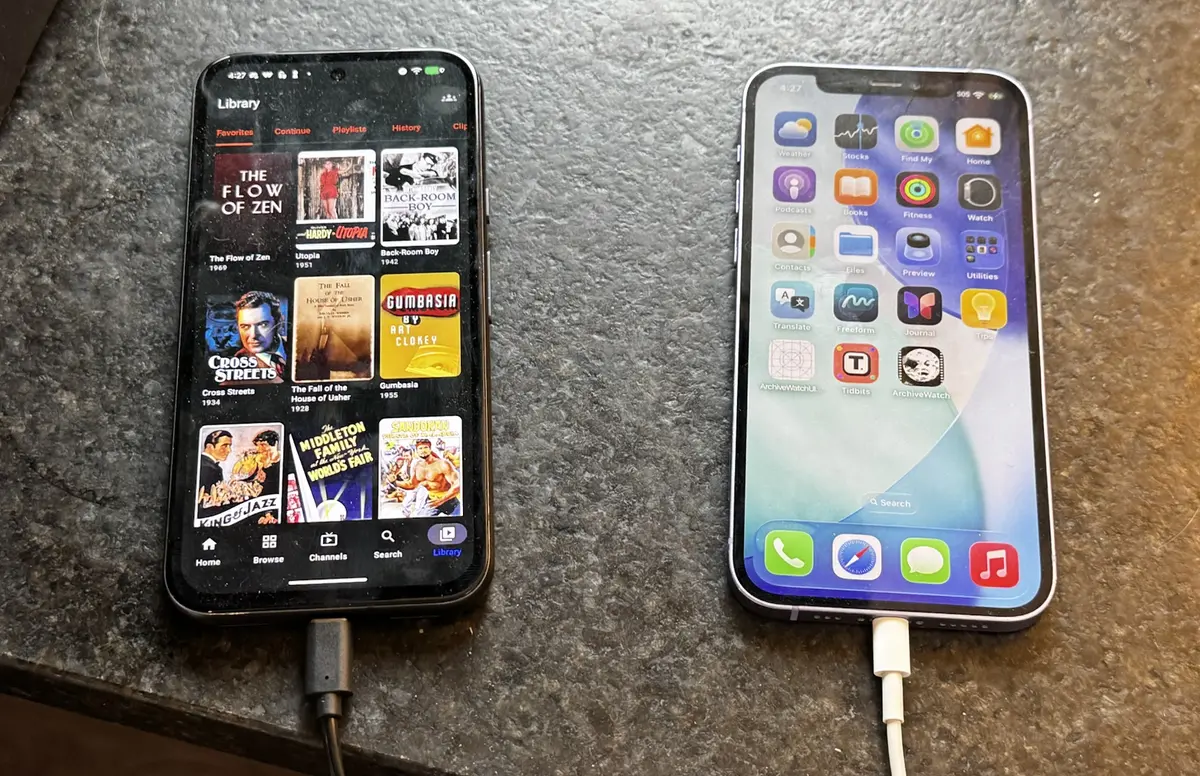
-
Cohort Prep
Your app’s own address, open on your phone
Leads with publish. What do I need in order to build at all?
-
Week 1
Your problem, the people who have it, and why the app exists
Leads with write. What problem in my own life is worth building something for, and who else has it?
-
Week 2
A second platform, and a look of its own
Leads with play. What has to be the same on every device, and what should feel as if it was born there?
The session shows stages 00 and 01, and starts these.
-
Week 3
Proof that it works, on someone else’s device
Leads with play, then publish. How do I know it works, and what happens when someone I did not build it with holds it?
The session shows stages 02 and 03, and starts these.
-
Week 4
An honest number, and a feature you wanted
Leads with publish, then write. What is happening to it when I am not holding it, and what do I want now that I live with it?
The session shows stages 04 and 05, and starts these.
-
Week 5
Shown to everyone, guests welcome
Leads with publish. Is this version enough for its people, and what should the next builder not have to learn?
The showing is stages 06 and 07. Stage 08 is written in the days after.
-
Every week
- Talking to your agentThe prompt is the work, so this page gathers the moves that work with an agent.
- Showing your workExplain one decision, ask three questions, and find feedback with or without a cohort.
- When you are stuckStuck writing, stuck playing, or stuck publishing: a question first, then what to try.
Every stage is a set of conversations with your agent. Connect it to Human Shaped and it can read your cohort's week, or your own app if you are building alone, and review your work the way the method does.
Joining a cohort starts with GitHub.
No cohort is open to join right now, and when one opens, it will be listed here.
Joining uses your GitHub account, because that is where your app will live and where your cohort will talk. Choose a cohort below, sign in with GitHub, and you will be asked once more before you join.
Rejoining a cohort
You hold the credential, so you can rejoin a cohort that is open or running as a learner. You are in it like everyone else, with no app of your own to finish, there to show how you worked, answer what you can, and give feedback when people ask for it. Everyone in the cohort can see that you are returning, and its leaders still give the feedback that counts.
If you do not have a GitHub account yet, it is free, and it is the first thing you will need either way.